Essay 05 / Learning at home
Jailbreaking tablets for my daughter using Codex and Claude Code
I'm building with Codex and Claude Code, and my daughter keeps asking for more.
Key takeaways
- I set the goal, make the product decisions and try the result on the device.
- Using them on my own projects gives me something concrete to judge: did the app open, did the interaction work, and could my daughter understand it?
- This work has made me much more confident that I can build and deploy custom things as her interests and needs change.
I'm using Codex and Claude Code to build custom learning apps for my four-year-old and get them running on devices we already own. My latest experiments are an old Samsung tablet and a jailbroken Kindle.
Helen Lee Kupp's post about repurposing a Kindle gave me the nudge. Thank you, Helen, for sharing what you're trying and pushing more of us to experiment.
I wanted to learn how to jailbreak tablets and build apps that live outside a webpage. On the Samsung, that meant updating Android and installing a native app. On the Kindle, I worked through the jailbreak and added custom games through KOReader.
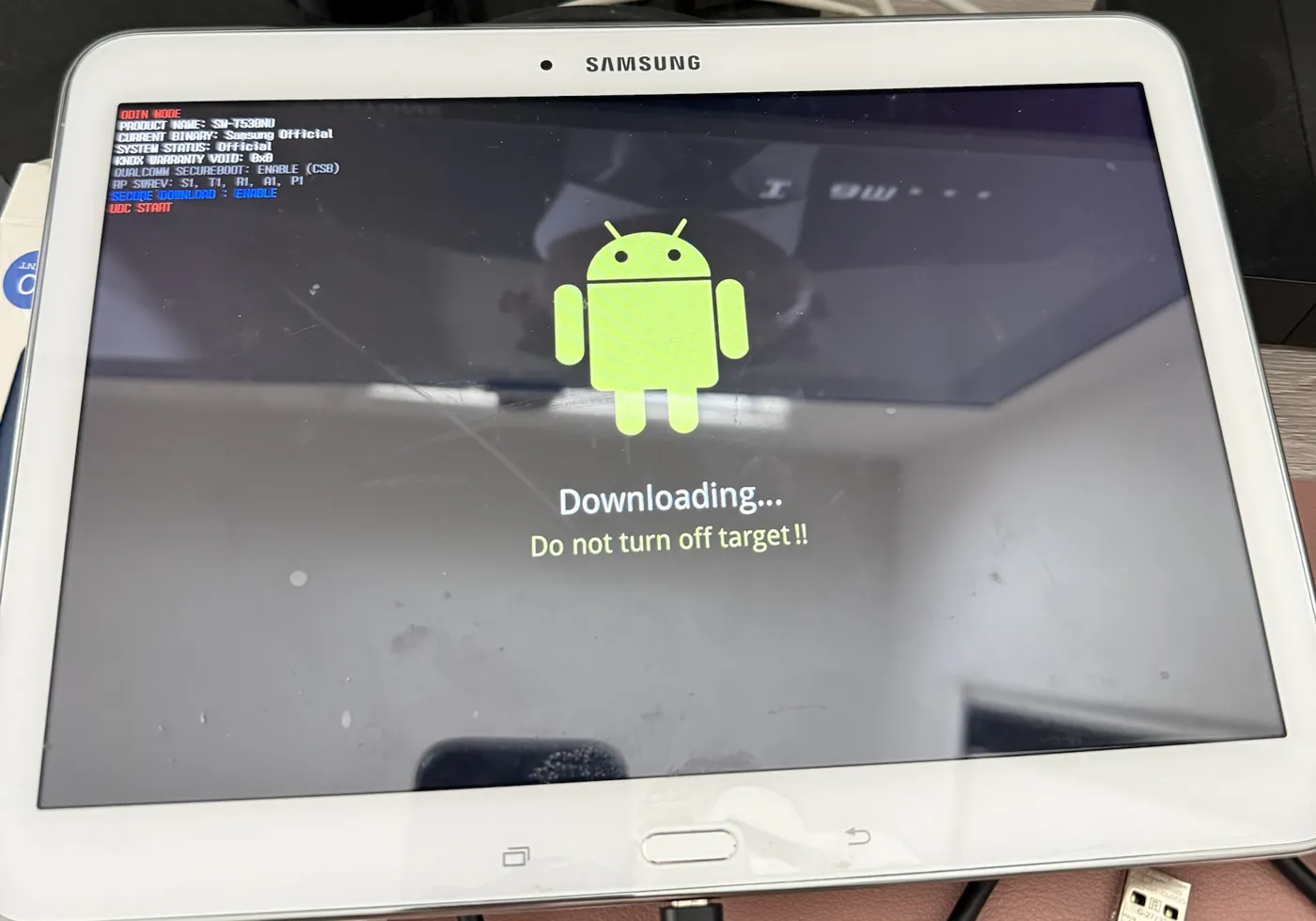
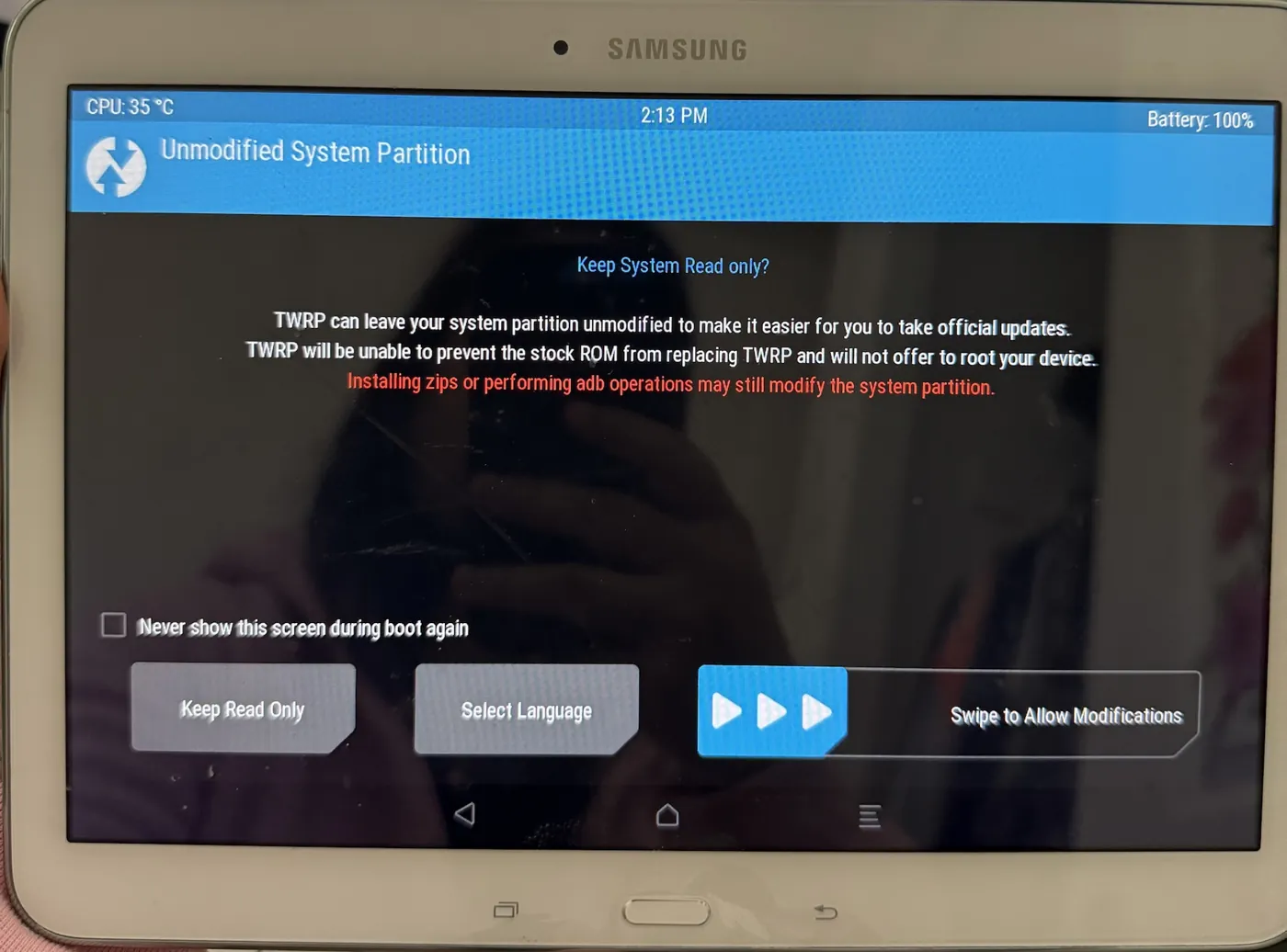
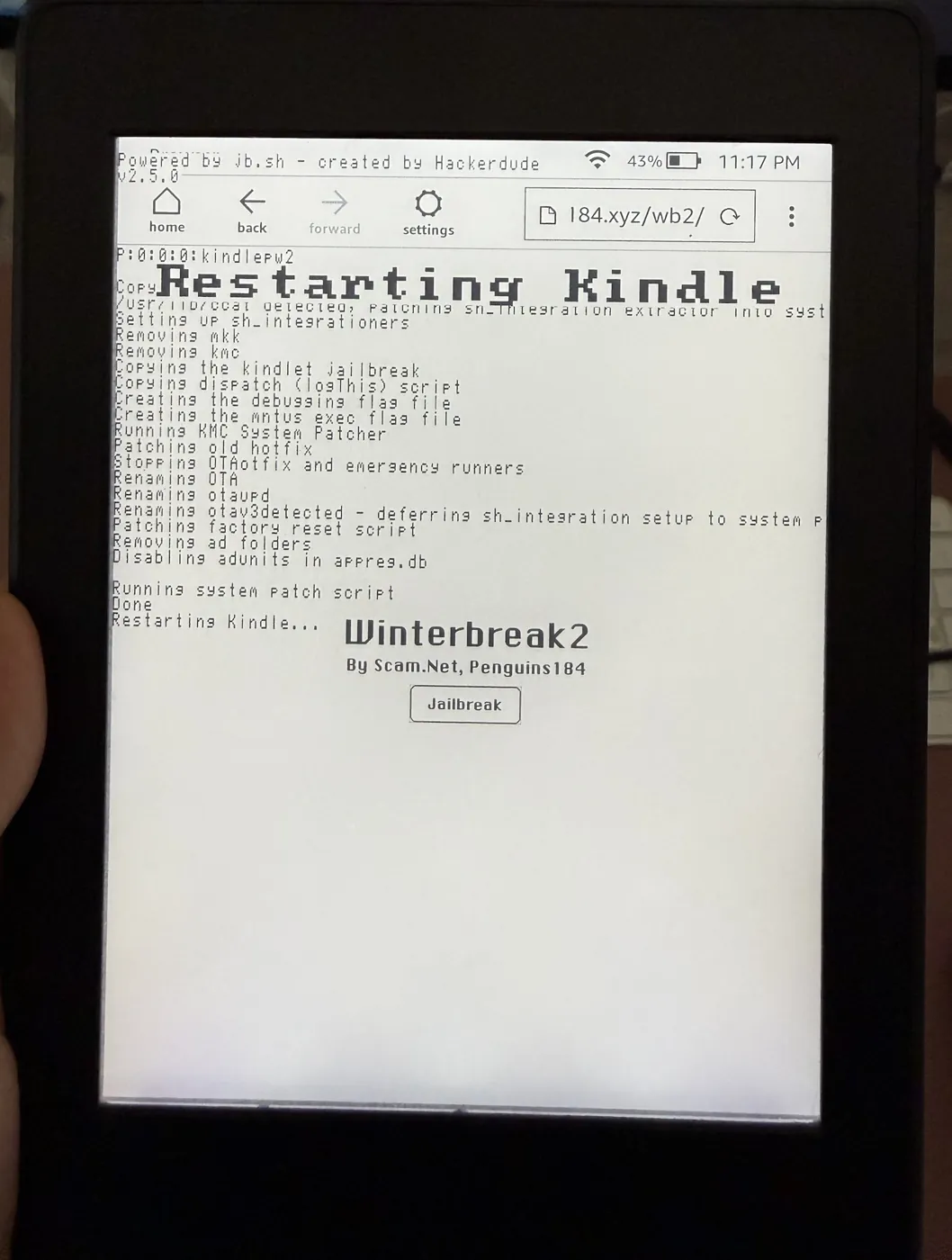
You don't need that particular Samsung. It was just what I had lying around.
Let the device be the test
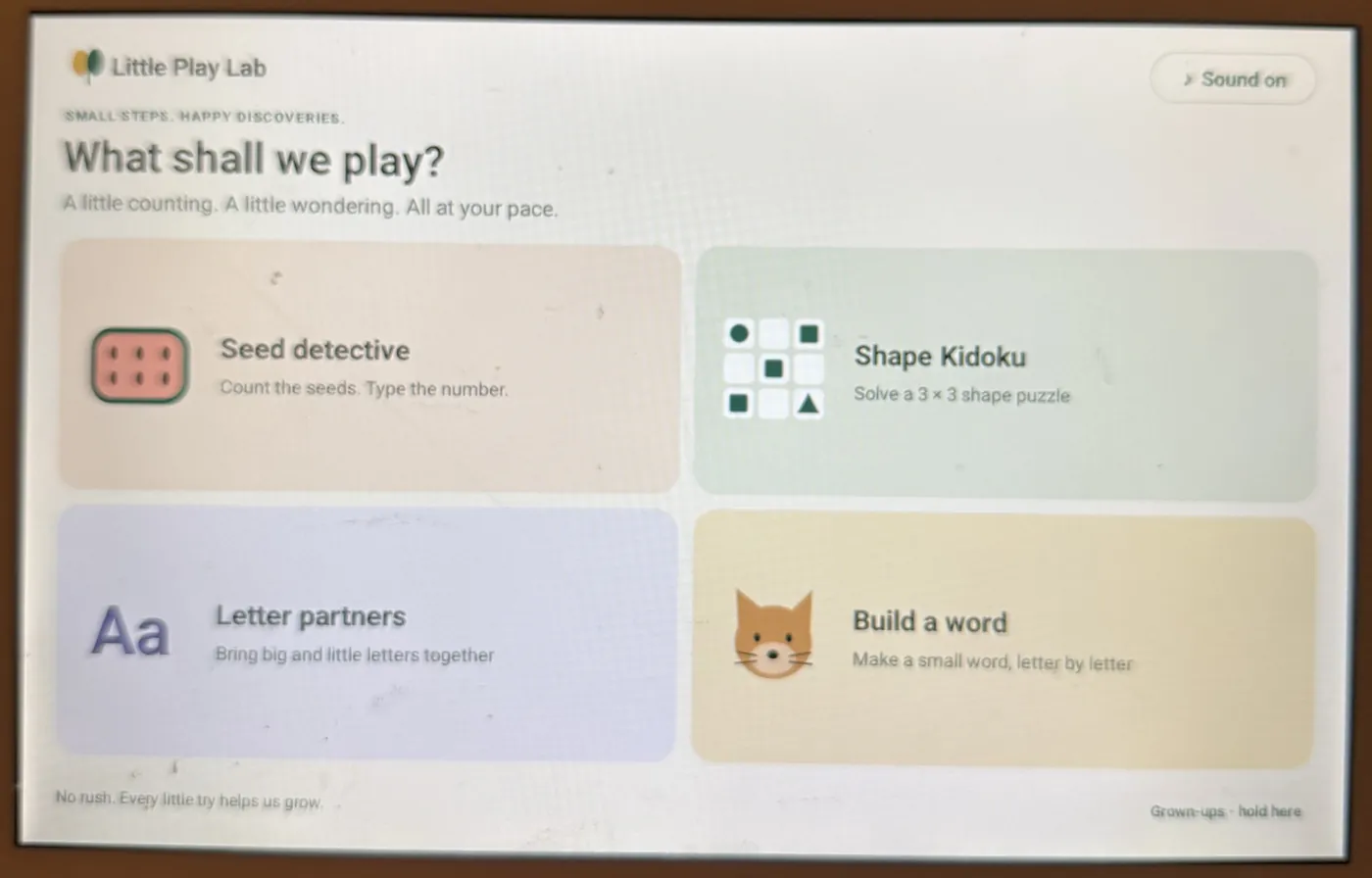
These projects have made me comfortable directing agents through real work, from reading files to fixing what broke. I set the goal, make the product decisions and try the result on the device.
I'm finding value in both Codex and Claude Code. Using them on my own projects gives me something concrete to judge: did the app open, did the interaction work, and could my daughter understand it?
That last question has led to plenty of changes.
Fit the game to her
The Samsung counting game was too easy, so we changed it to counting seeds and entering the answer. The word-building game used letter names, so we changed it to phonics sounds.
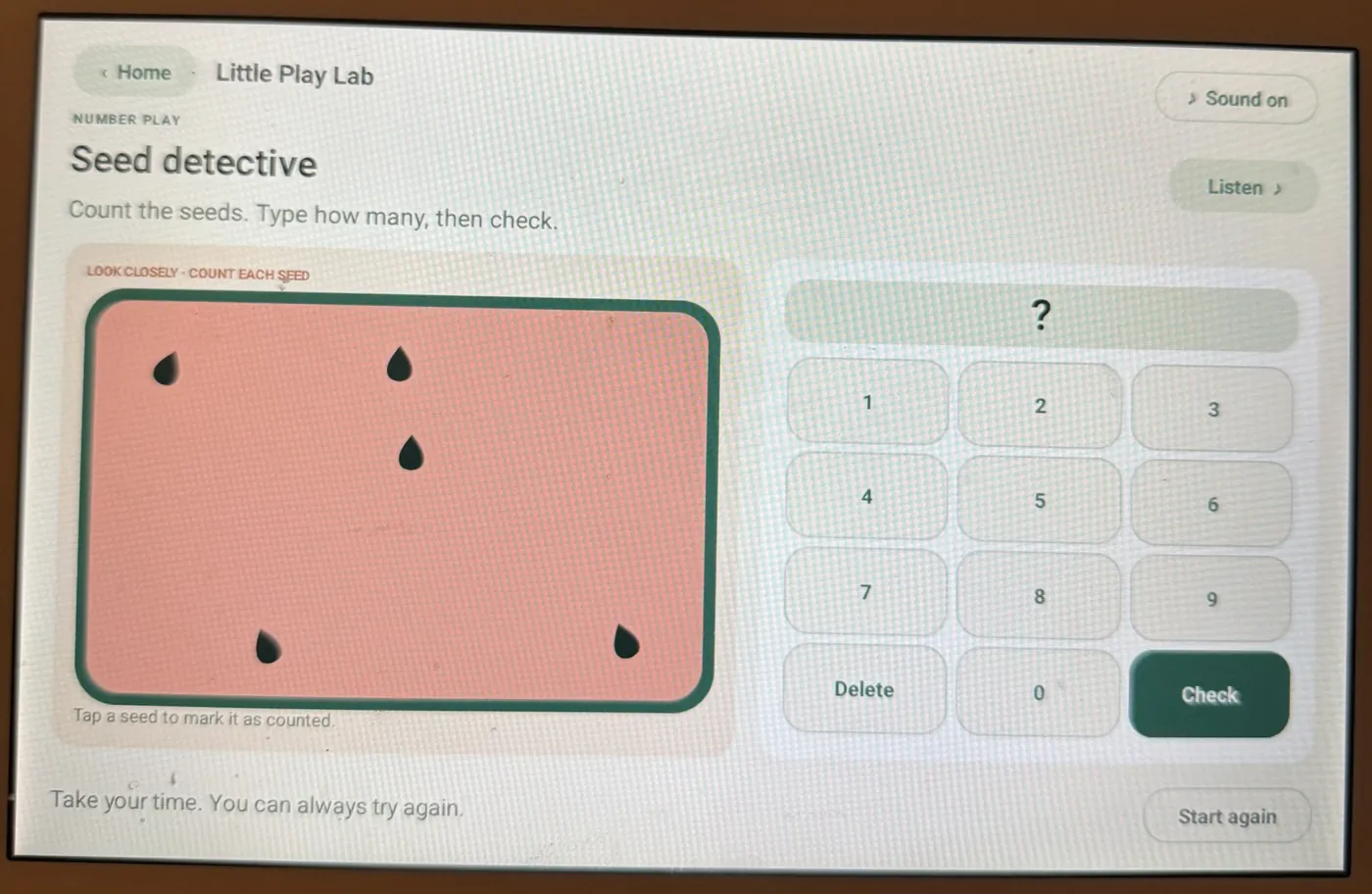
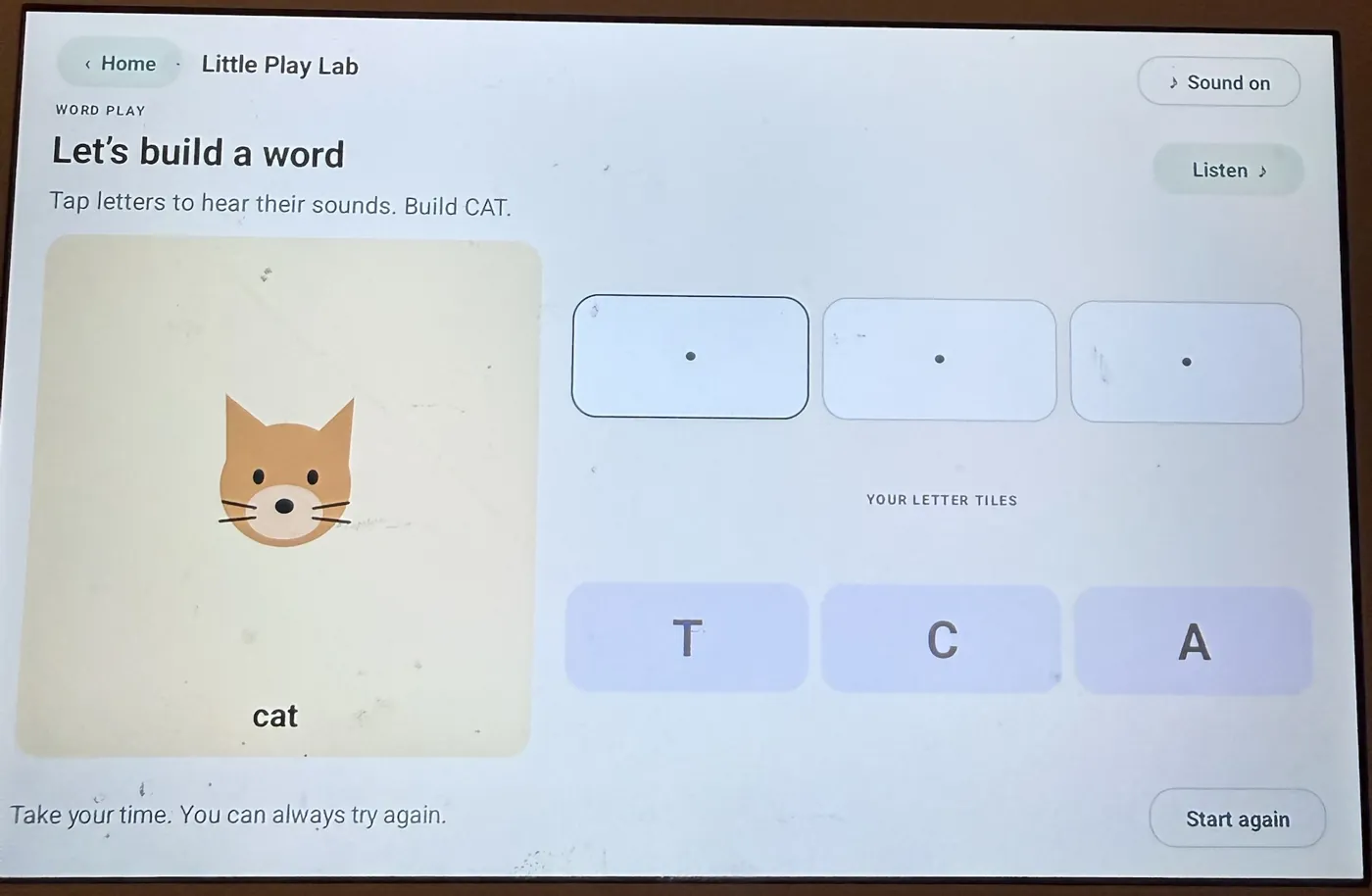
The Kindle games had the opposite problem. Written sums and a 4×4 number sudoku asked too much of her, and opening them took several menus.
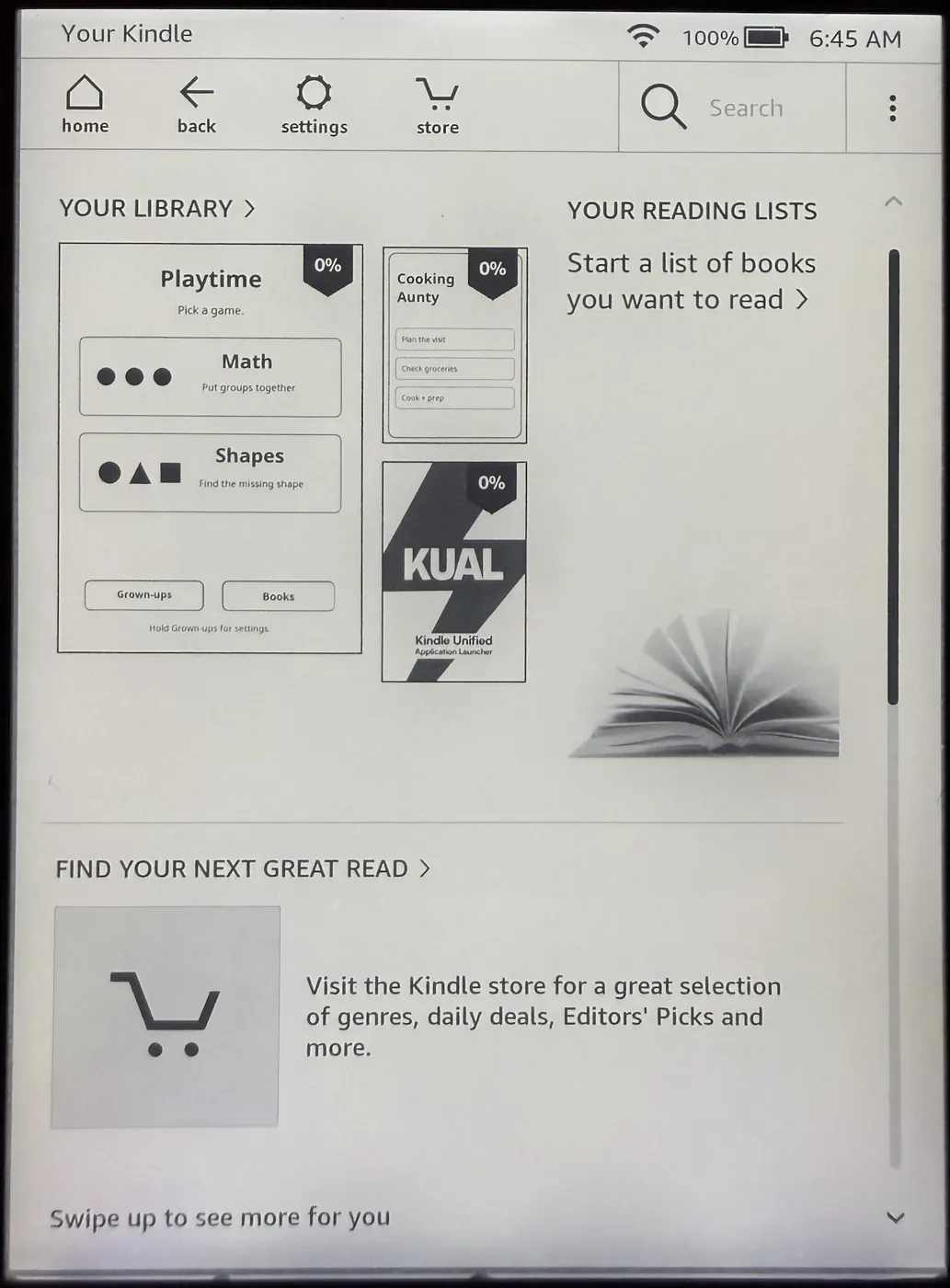
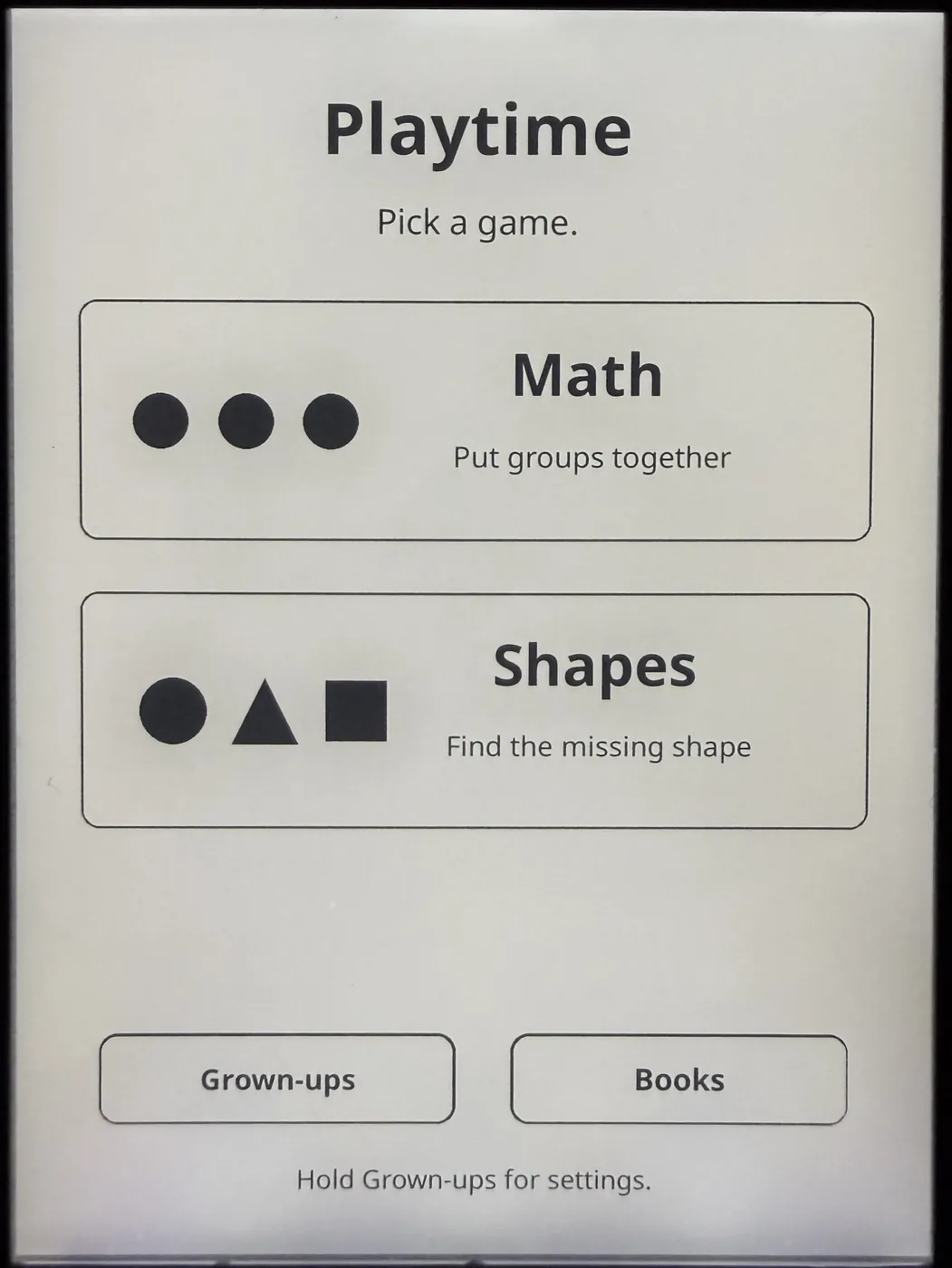
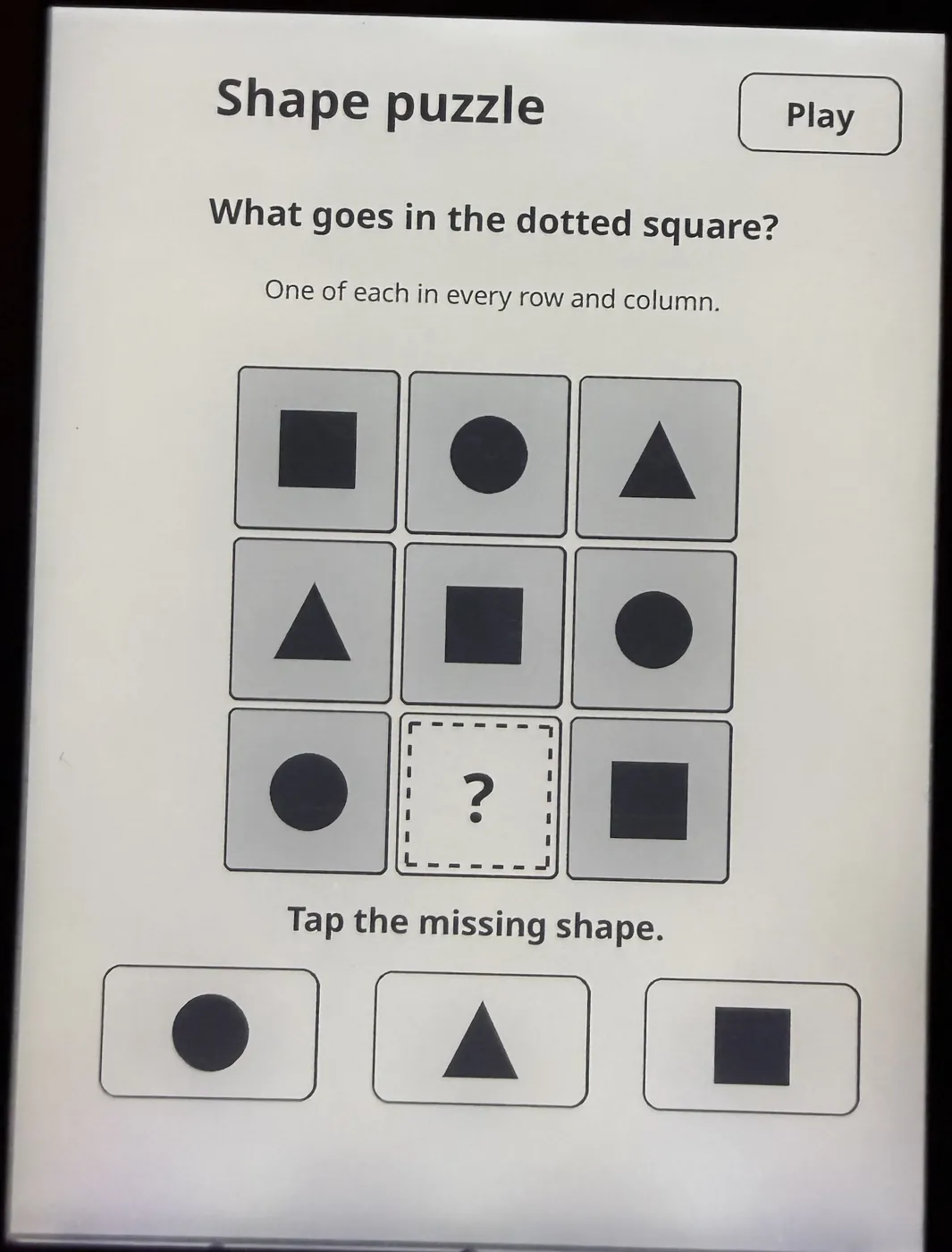
We simplified both. The Kindle now has a Playtime tile in the library with two big buttons: Math and Shapes. Math starts with pictured groups that add up to five. Shapes starts with a 3×3 puzzle and one missing shape.
Build for the grown-ups too
The Kindle isn't only for my daughter. A mother's helper comes once a week to cook for us, and planning those visits was a lot of mental load. Every week I was deciding what she'd make, checking what we had and writing out the steps.
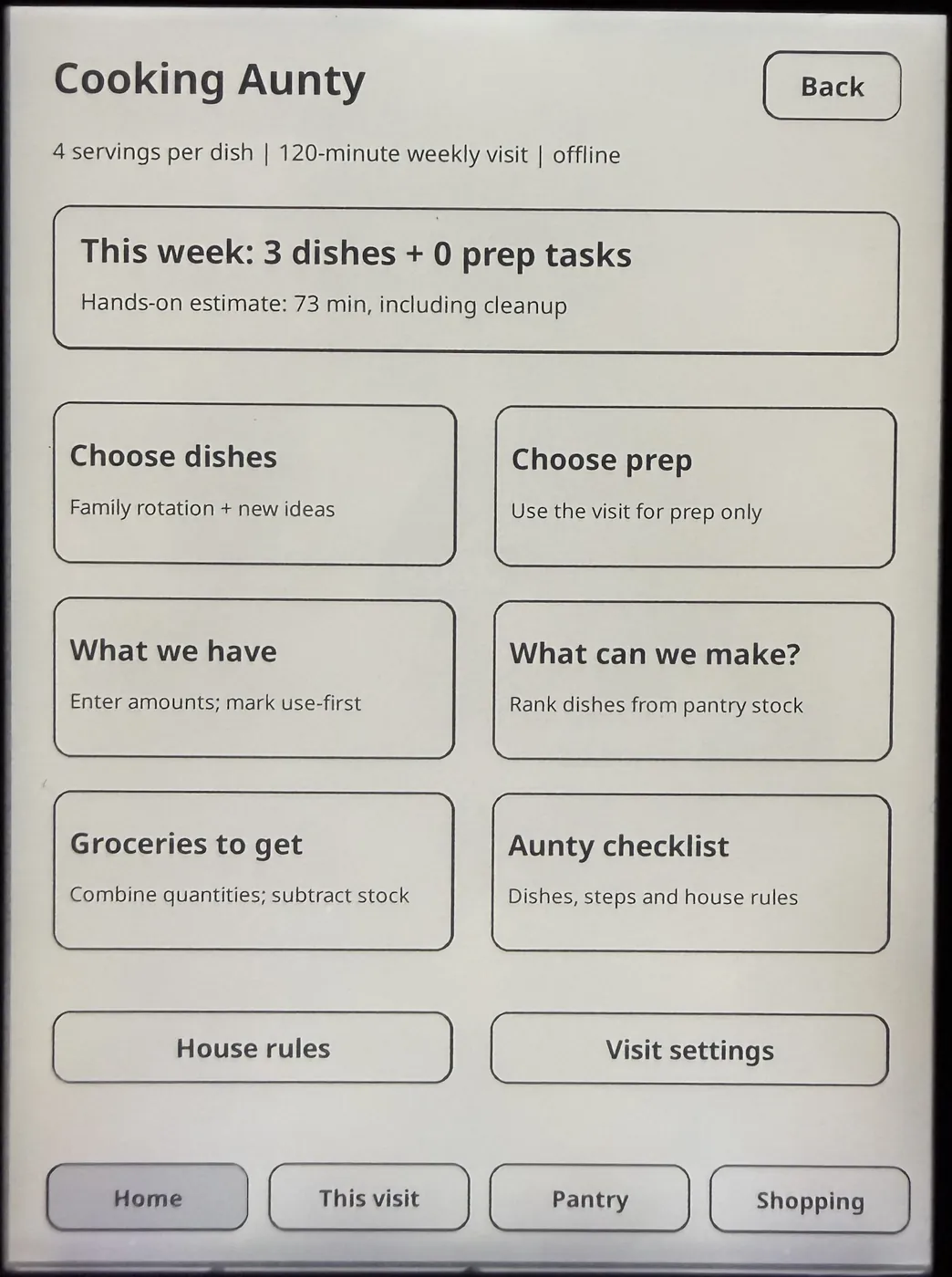
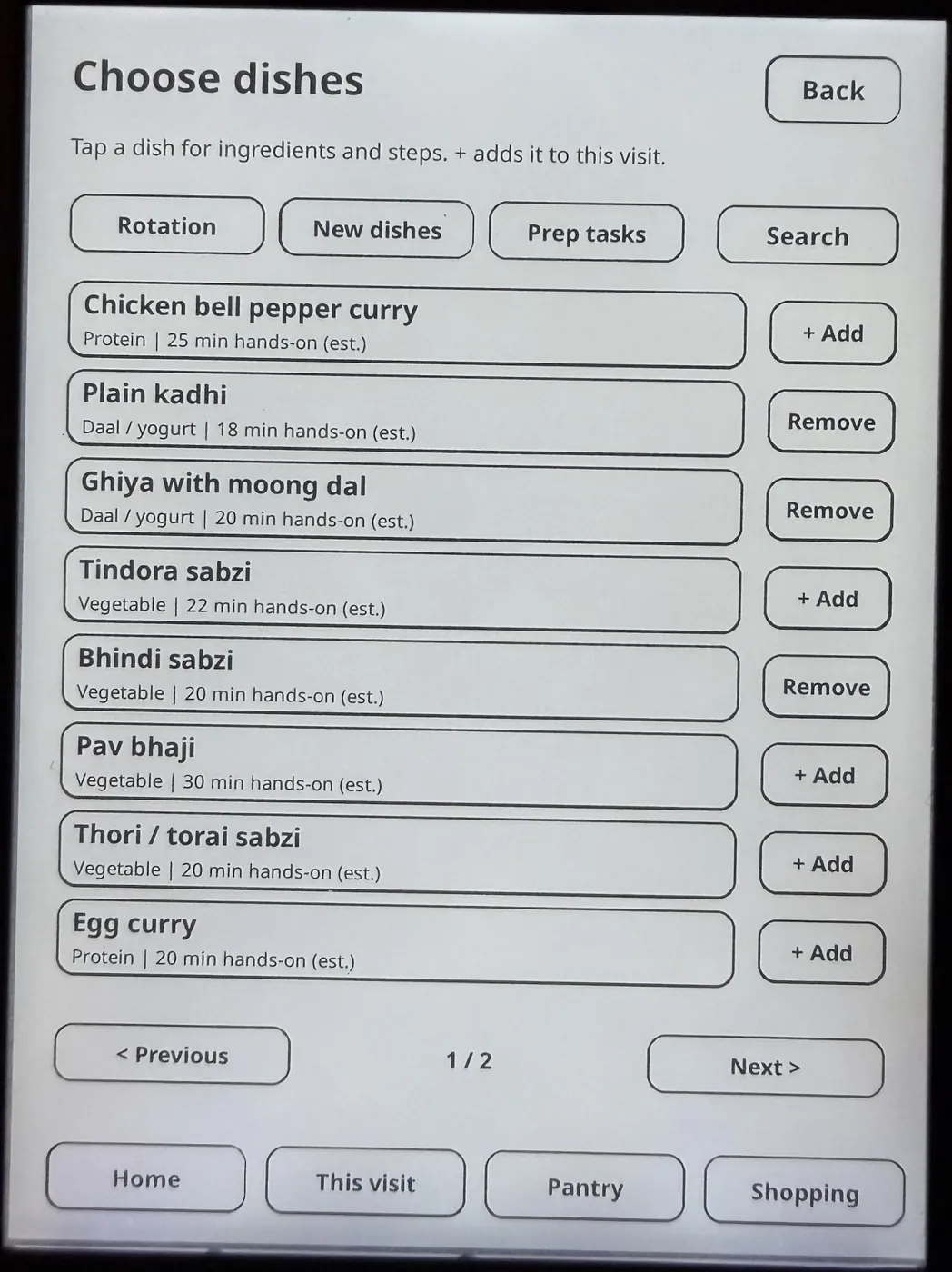
So I fed the agents our family recipes and asked for an app I could leave for her when she comes to our house, basically a dashboard. Cooking Aunty runs offline on the Kindle. I pick the week's dishes from our rotation, and it builds the grocery list from what's already in the pantry. When she arrives, the dishes, the steps and our house rules are all on one screen.
It keeps the plan realistic too. This week's three dishes come to about 73 minutes of hands-on work, inside a 120-minute visit.
Expect some manual work
Getting there took more manual work than I wanted. I still had to press through specific button sequences and setup screens on the device myself. I really wish more of that could happen automatically.
I'm curious whether a ChatGPT dot could handle more of the computer-side work next. I haven't tested that yet. The physical Kindle button presses would still be mine.
Start with four steps
If you want to try a project like this, here's the process I'd follow:
- Identify the device. Share its exact model and software version with your agent. Check compatibility and back up existing files before making changes.
- Describe one activity. Explain what your child knows, what they're practicing and how they should interact with it.
- Test the whole experience. Install it, open it and try it together. Count the steps it takes to reach the game.
- Give specific feedback. "Use letter sounds," "show objects she can count" or "start with one missing shape" gives the agent a clear change to make.
Keep building as she grows
My daughter asks for something new every night. She is SOOO happy to see these little ideas turn into apps made for her.
We still spend plenty of time learning one-on-one with books, crafts and things she can hold. But I love seeing her face light up when a game includes something she's learning at school, or helps her practice a concept she finds hard. It gives us another way to explore what she's learning together.
It's REALLY fun. This work has made me much more confident that I can build and deploy custom things as her interests and needs change.
I'd love to become an ambassador for the tools I'm using. I want to help other parents get started and give the teams specific feedback on what still takes too much effort.
Next project: my own Skylight-style family calendar. The old devices in our house have more work ahead of them. 🙂
Try it today
Open Codex or Claude Code, connect a spare device if you have one, and paste this. Replace the brackets with your details, or say you don't know yet.
Help me build a small learning app for my child and get it running on a device we already own.
My child is [age], enjoys [interests], and is practicing [skill or concept]. Our spare device is [device and model, if known], and my computer is a [Mac or Windows PC].
First, help me identify the device and check what it supports. Recommend the simplest way to get an app running. Don't assume it needs a jailbreak. Ask before erasing anything or changing its operating system, and help me back up anything important.
Build one small activity with big picture buttons, minimal reading, gentle feedback, and an easy way to adjust the difficulty. Make it work offline if possible.
Handle the steps you can complete with your tools. When I need to press buttons or do something on the device, give me clear instructions one step at a time.
Make the app easy for my child to find and open. Help me test it on the actual device, explain what you could verify, and revise it based on what we notice together.
Start by checking what information you need from me.
Your first project can be one small game and one delighted kid.